How to Change a HIVEN Booking: Check-in, Checkout and Extensions
Learn what to check before changing a HIVEN Residence booking, including check-in dates, checkout, extension availability and payment adjustments.

Written by Hive Heaven

Changing a HIVEN reservation means checking both the booking’s change deadline and whether the requested dates can be accommodated. Moving check-in, shortening a stay and extending checkout are different requests. A visible date selector does not, by itself, confirm a change.
For a monthly apartment in Tokyo, start with the current reservation and compare the complete replacement date range. Keep the original booking until the change and any payment adjustment have been clearly confirmed.
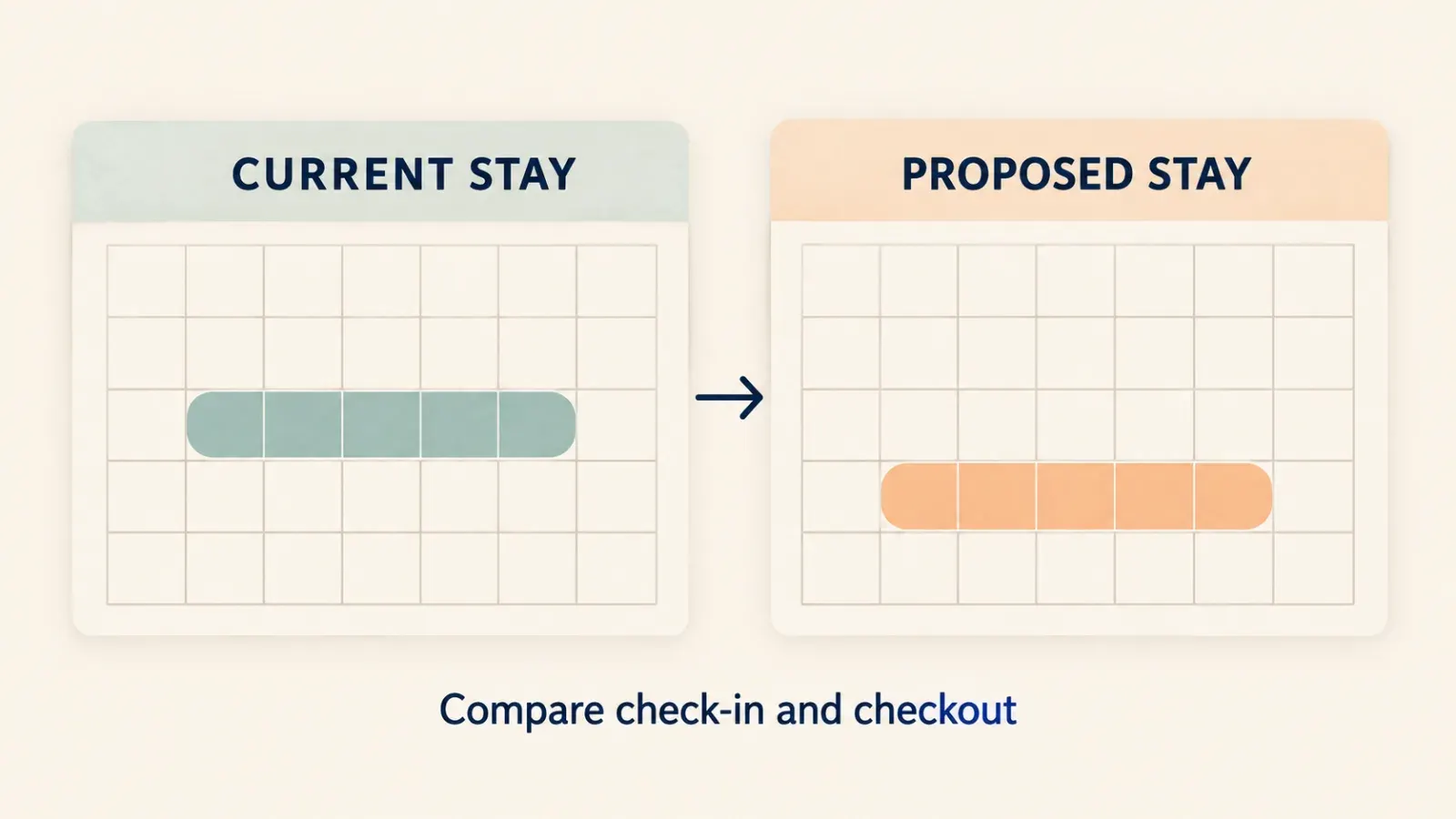
How are check-in changes and extensions different?
Moving check-in can alter the start date, total nights and billing arrangement. Moving checkout earlier shortens the stay. Moving it later requests extra nights that may depend on room availability.
HIVEN’s FAQ directs guests to My Bookings or support for checkout changes and warns that reducing the stay below the Residence minimum may require a different product type. Residence starts at 29 nights. [1] Do not assume shortening automatically preserves the same rate or product.
What deadline should you check?
The general FAQ and billing terms say a pre-arrival date change is allowed when check-in is at least 15 days away. The Paid Ahead page advertises a change-restricted window shortened from 14 days to 7 days after early payment. [1][2][3]
These pages need clearer alignment, particularly for Paid Ahead eligibility and exact boundary days. Use the conditions shown in your reservation and ask support if they differ. This guide does not reinterpret the public wording as permission to change on a specific boundary date.
What information should you prepare?
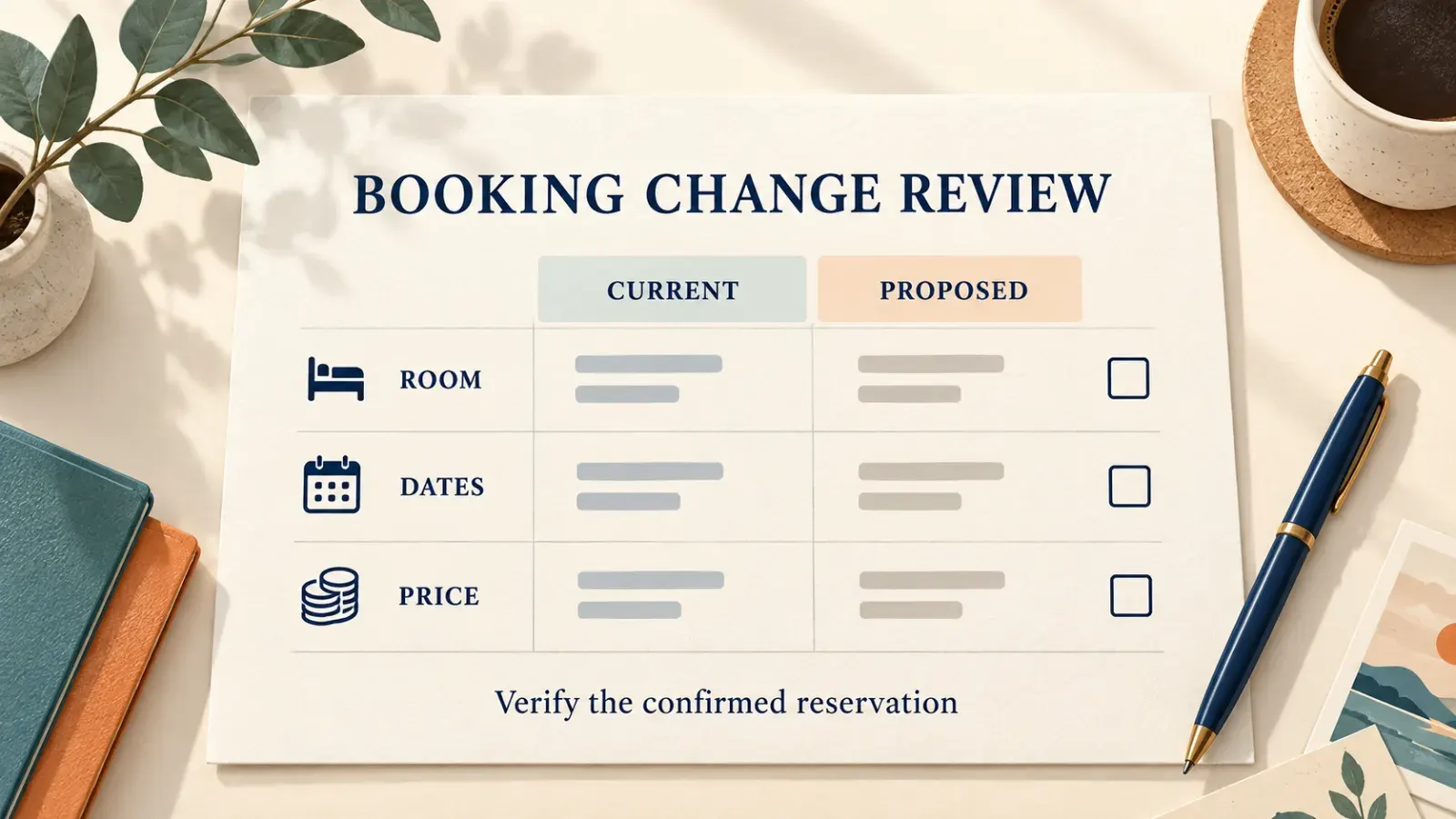
✓ Booking reference and room. ✓ Current check-in and checkout dates. ✓ Proposed check-in and checkout dates. ✓ Whether your guest count changes. ✓ Payment status and any Paid Ahead confirmation. ✓ Any displayed price difference or restriction.
State the complete request. “Move my stay one week” can mean moving both dates or only arriving later; the resulting nights and cost can differ. Use clear calendar dates instead of relative phrases.
How do you know the change is complete?
Review the available action in My Bookings. If the required change is not offered, contact support rather than repeatedly attempting unrelated controls. Before accepting a revised arrangement, check the new dates, night count, room, price and payment schedule.
Afterward, confirm the updated booking record or explicit confirmation from HIVEN. A sent request, an edited calendar or a payment receipt alone may not establish that the room has been reserved for the replacement dates.
Can moving dates restart the cancellation window?
Do not assume so. The public pages reviewed do not establish which date controls cancellation after a change or whether a change resets earlier conditions. Moving a booking is not a reliable way to obtain a different refund outcome.
Ask which cancellation terms apply to the revised reservation before accepting it. Equally, do not infer a limit on the number of changes from an internal discussion: no universal change-count allowance was verified in the reviewed public guidance.
FAQ
Can I extend without checking availability?
No extension should be treated as confirmed until the additional dates and terms are accepted and reflected in the booking.
Can I shorten a Residence booking below 29 nights?
The FAQ says a product change may be required. Ask HIVEN about the available arrangement before changing dates.
Is date changing unlimited?
An unlimited entitlement was not verified. Follow the applicable booking conditions.
Should I cancel and rebook to change dates?
Do not do so automatically. Cancellation charges and replacement availability could differ; first check the supported change route.